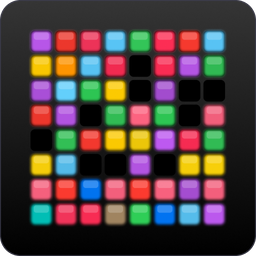
RGB pad control
Light the grid.
Save the board.
Magic MIDI drives the 64 RGB pads on an Akai APC mini mk2. Colour them by hand, give them behaviour, and store the whole board as a preset you can drop in from the menu bar. One native binary, no runtime to install.
Colour
Hardware
Plug in an APC mini mk2 and paint the real thing.
DemoClick or drag to paint. This is a taste of the idea in a browser tab — colour only. Presets, pad behaviour and the menu bar live in the app.
Pad behaviour
Every pad is one of four kinds, set for a whole selection at once and stored with the preset. Stateful pads never go fully black when off — they hold the same colour, dimmed, so a layout stays readable in the dark.
- Static
- Just a colour. Presses do nothing.
- Momentary
- Lit while held, dim again on release.
- Toggle
- Each press flips it on or off.
- Radio group
- Only one pad in the group stays lit.
The examples play themselves — press one and it's yours.
In the app
Select the way you'd expect
Click one pad, drag across a block, or shift-click to extend a range. Colour changes reach the device immediately.
Move shapes, not pixels
Copy a selection and paste it against whichever pad you pick next. The shape keeps its layout wherever you drop it.
Presets from the menu bar
Name a board and save it. The window closes to a menu-bar icon that shows connection status and applies any preset without opening the app.
Survives a replug
The app watches for the APC appearing and disappearing while it runs, and pushes the current board back to the device on every reconnect.